 Iceforge
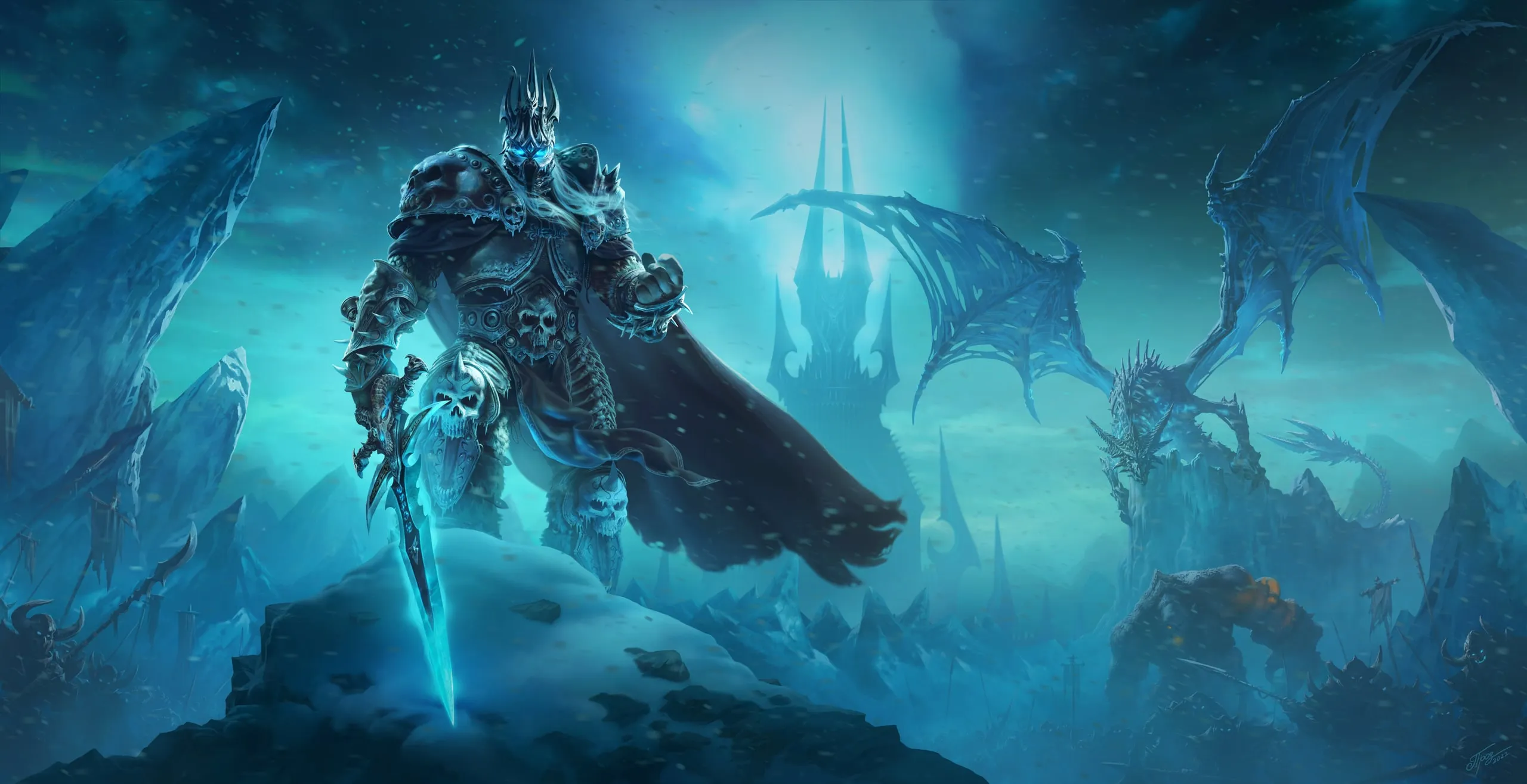
Joining a Wrath of the Lich King private server usually means finding a full 3.3.5a client, downloading it, editing a realmlist file and hoping it runs on your machine. Iceforge runs the client in a browser tab instead, with nothing to install. Iceforge is still in development and has no launch date, so this post explains how browser play is built. The short version is on the play in your browser page.
It is the real client
What runs in the tab is the 3.3.5a game client compiled to WebAssembly and drawn with WebGL. It isn’t a remake, a video stream from a machine somewhere else, or a cut-down version. The game runs on your own device, with the same interface and spells as a desktop install, plus Iceforge’s own windows.
The client talks to the server the way it always did, with one addition. A web page can’t open a raw TCP connection, so a small bridge on the server side relays between a WebSocket and the game’s normal login and world connections. It only connects to Iceforge’s own servers.
Where the game files come from
A normal install is around twenty gigabytes. Here, the client reads files as it needs them, streamed from Iceforge’s server and kept by your browser. The first login takes a moment while the files you need arrive. Later logins are quick, because your browser already has them.
Your settings, keybindings and interface layout persist between sessions, as they would in a WTF folder.
Because the client is delivered as a web page, an update reaches you on your next page load. There’s no patcher, and no patch files to fetch when the server adds a new interface window. New items don’t need a data patch at all, since the client builds a missing item’s display from the server’s data.
What you need
| Device | Browser |
|---|---|
| Windows PC | Chrome, Edge or Firefox |
| Mac | Chrome or Firefox, no Boot Camp |
| Linux | Chrome or Firefox, no Wine |
| Chromebook | Chrome |
| iPhone and iPad | Safari, iOS 17 or newer |
| Android | Chrome |
The browser needs to be a recent version. A gaming PC isn’t necessary: this is a 2010 game, and a device that plays video smoothly in the browser can usually run it, including office laptops and Chromebooks.
On phones and tablets the client has a touch layout, and Iceforge’s own windows reuse its big-frame panels, so they work on a small screen too.
How getting in works
Once the realm opens, getting in takes three steps:
- Open the game page.
- Create an account on the login screen, with a name and a password. There’s no separate registration form on a website first.
- Make a character of any race and class. You begin at level 80 in Champions’ Camp with every class spell and a free Furious set.
The limits
Browser play has real trade-offs.
- Files still have to arrive. Anything your browser hasn’t kept yet has to be fetched, so the first visit to a place can take a moment longer than it would from a local disk.
- Your setup is tied to your browser. Settings and cached files are kept per browser. Move to another device or clear your site data and that copy starts fresh. Your characters are on the server, so they aren’t affected.
- You can’t bring your own client. Iceforge is only played through its browser client. Addons come from the library on the character screen.
One more thing that isn’t a browser limit but matters if you’re choosing a server: Iceforge is a PvP realm where everyone lives on one map, the Proving Grounds.
Once you’re in
Press H and pick a battleground or arena to start fighting. The FAQ answers the other common questions.